Stop filling out the same PDF over and over.
EunGo turns your information into polished PDFs and QR pages. Build a reusable template, generate on demand or through the REST API, and automate repeat work with a supported data connection.
Santos Digital Printing
Receipt
845 Market St., San Francisco, CA
No. 0247 · Sep 1, 2026
Paid via Visa · Ref 8043-221
Paidreceipt-0247.pdf generated
2s ago
PDFs and QR pages for everyday workflows
50 free generations monthly · No credit card
Use EunGo your way
- On-demand generation
- REST API
- Supported connections
- PDFs
- QR pages
One call. One PDF. Two seconds.
EunGo is a REST API. Send a template ID and a payload, get back a generated PDF or a QR scan URL.
curl -X POST https://eungo.me/api/v1/generate \
    -H "Authorization: Bearer eg_live_••••••••••••3a7f" \
    -d '{ "templateId": "service-receipt",
"payload": { "customer": "Maria Santos" } }'Create once. Generate when you need it.
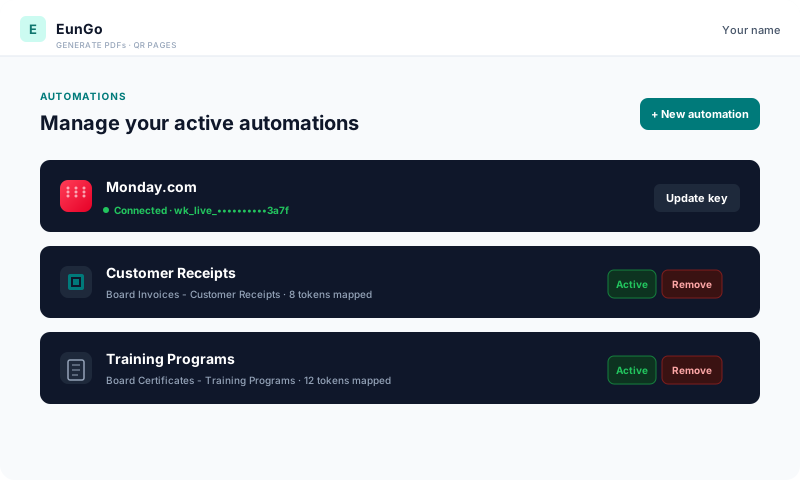
Add your data
Enter values in EunGo, paste spreadsheet rows, send data through the REST API, or connect a supported source. Choose the method that fits your workflow.
- Enter or paste values in the app
- Map source fields to template fields
- Automate updates through a supported connection
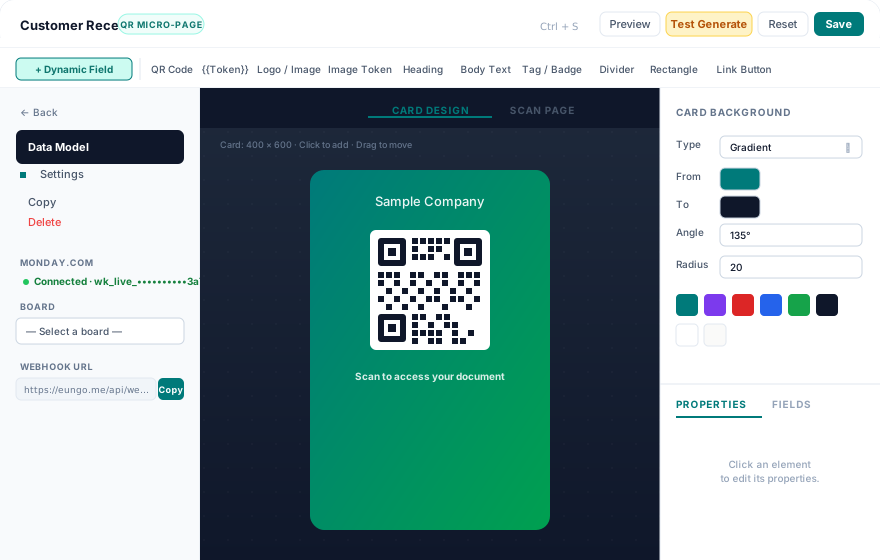
Design your template
Add text, images, tables, and QR codes. Use tokens wherever your data should appear in the finished document.
- 10 block types: text, QR, table, image, badge…
- Pick a brand background — solid or gradient
- Preview with live data before saving
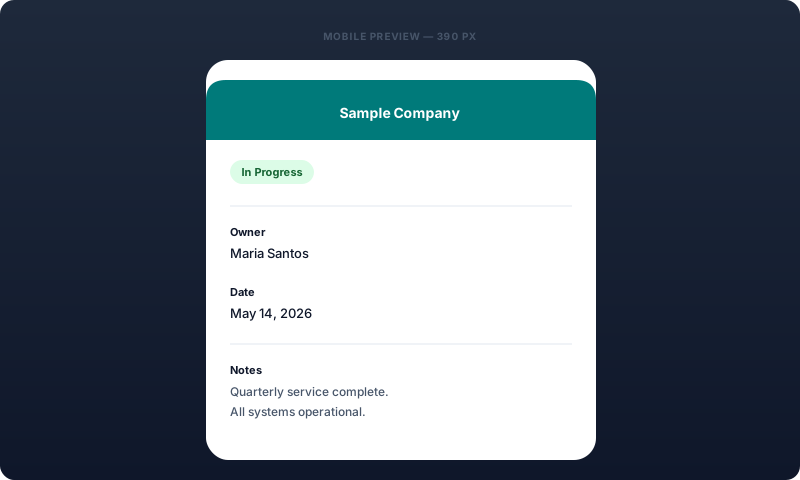
Generate and share
Create files on demand or from your workflow. Generated documents stay in Runs, and QR pages can open live micro-pages.
- Keep generated PDFs in your run history
- QR codes can open live micro-pages
- Find and re-download past files
Turn your information into a document or QR page.
What will you create?
Santos Digital Printing
Receipt
845 Market St., San Francisco, CA
No. 0247 · Sep 1, 2026
Paid via Visa · Ref 8043-221
PaidInvoices
Create a branded invoice from your billing details. Reuse the template for each customer, or automate repeat PDFs with a supported connection.
Find each generated invoice in Runs and download it again when needed.
Santos Digital Printing Academy
Certificate of Completion
hereby certifies that
Maria D. Santos
has completed 24 hours of instruction in Digital Print Production
Training Director
Cert. 2026-0831
Certificates
Create certificates for courses, teams, events, or recognition. Reuse one template and fill in names, dates, and details whenever you issue one.
QR codes on certificates never expire — re-scan the same one years later.
Isabela Brew Co.
Table 12 · Scan to order
Cold Brew Flight
Three origins, brewed 18 hrs. Served with palm sugar syrup.
$8.50
QR micro-pages
Share information through live QR pages for events, products, documents, or projects. Each code opens a page with the details you choose.
Each QR code can open its own live page.
Your first PDF or QR page in 90 seconds.
Sign up, pick a template, map your first token. EunGo handles the rest.
50 free generations monthly · No credit card · Cancel anytime